
Water TD System Requirements: What You Actually Need
The official Water TD PC requirements, what the GTX 1650 class GPU means in practice, and how a hundred turrets run on mid hardware.
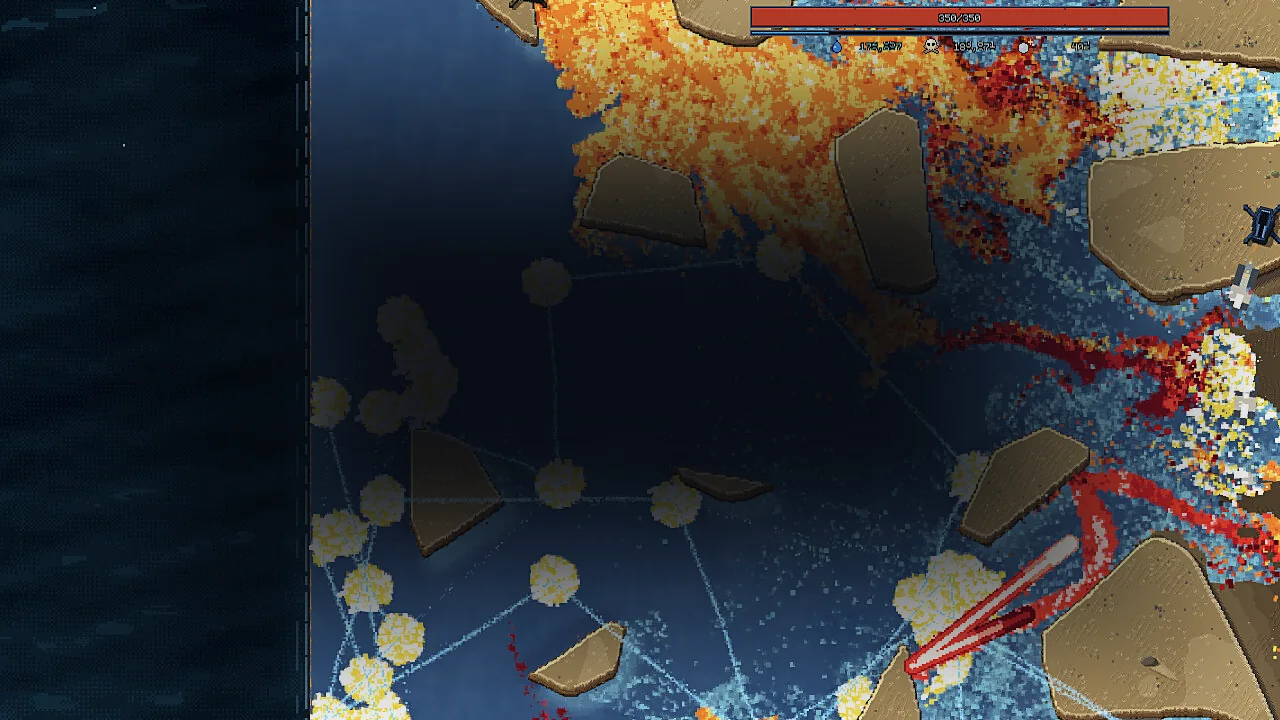
Water TD is a simulation of hundreds of thousands of drops, so the interesting question is not whether your PC can launch it but whether it can keep simulating at 2x speed with a hundred turrets on screen.

The official minimum
| Component | Requirement |
|---|---|
| OS | Windows 10 64-bit |
| Processor | Any 64-bit dual core |
| Memory | 8 GB RAM |
| Graphics | GeForce GTX 1650 / GTX 1060 / Radeon RX 580, 4 GB VRAM |
| DirectX | Version 11 |
| Storage | 500 MB available space |
| Notes | Requires a 64-bit processor and operating system |
That is the whole list. There is no recommended tier, no Mac or Linux build, and no listed Steam Deck status. Windows only, 500 MB, DX11.
Reading the GPU line
The GPU requirement is the only demanding one, and it is written as three equivalents: GTX 1650, GTX 1060 or RX 580. Those are not the same card, but all three carry 4 GB of VRAM, which is the actual floor. The game is simulating drops on the CPU and drawing a lot of translucent water on the GPU; 4 GB of VRAM is there to hold the buffers.
In practice, a modern integrated GPU will struggle once the flood fills the screen, and an older 2 GB discrete card will struggle regardless of generation. The listed cards are the honest entry point.
No Steam Deck compatibility rating was published at the time of writing. The Windows-only store listing and the DX11 requirement are the only hard data points.
CPU: the part the specs undersell
Any 64-bit dual core is the stated minimum, which is generous on paper. But the flood is a particle simulation, and the number of active drops is exactly the kind of workload that scales with CPU headroom. A dual core will run the game; a modern quad core or better will run it at 2x speed without the simulation falling behind.
This is the one place where the minimum spec is a floor rather than a target. If you play a lot of late-game maps with dense floods, CPU single-core performance matters more than GPU tier.
What patch 1.0.1 tells us about scale
The first patch included a fix for damage and kill numbers not displaying when a level had more than 60 turrets. That is a useful data point about how the game is meant to be played: sixty-plus turrets on a map is a supported configuration, not an edge case.
The patch also fixed Napalm fire landing in a single line when many turrets fired at once, and a bug where pressing START immediately after a restart would begin the wave before turrets were back. All three are symptoms of a simulation doing a lot of work at once.
Settings advice
- Drop resolution before dropping speed. The simulation is the game; the water is what you need to see. If frame rate drops in a late wave, lower resolution or quality first.
- Play at 1x in heavy waves. The 0.5x / 1x / 2x control changes simulation pace. On weaker hardware, 2x is where frame rate and simulation both suffer.
- Keep the level count in mind. Early maps are light, late maps are not. A machine that runs level one at 60 fps can still dip on a full-screen flood.
Storage and installation
500 MB is the entire install, which is small enough that storage is a non-issue. There are no separate HD texture packs or optional downloads listed.
The demo comparison→ covers what you get, patch notes→ records the 60-turret fix, and levels→ explains where the simulation gets heavy.
Frequently Asked Questions
Can Water TD run on a laptop? If the laptop has a GTX 1650-class GPU or better and 8 GB of RAM, yes. Integrated graphics are below the stated floor.
Is there a Mac or Linux version? Not at the time of writing. The store lists Windows only.
Does the demo have different requirements? The demo is a separate app but uses the same engine and asset pipeline, so assume the same requirements.
Will a 4 GB VRAM card run 2x speed? The VRAM floor is about holding buffers, not speed. Simulation speed depends more on CPU, so a 4 GB card with a weak CPU may still lag at 2x on dense maps.
Sources
Official source: Official minimum requirements: Water TD on Steam ↗ Official source: Turret-count and simulation fixes: Water TD patch 1.0.1 ↗ Official source: Demo app listing: Water TD demo ↗